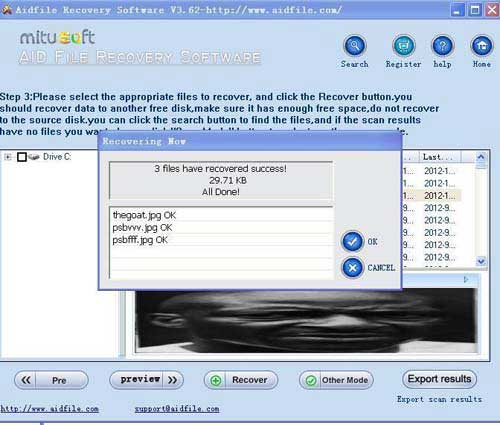
Formatted partition recovery best free software for recovering file from formatted partition, free download and trial.
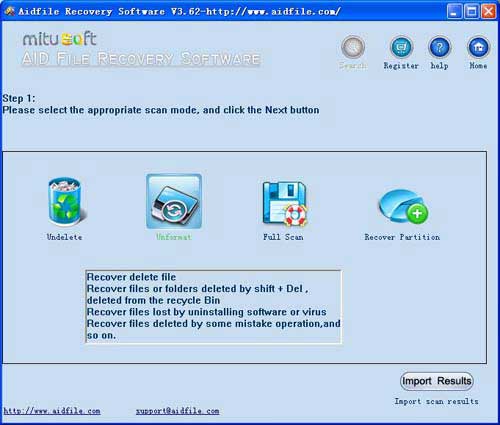
Use "Undelete" mode to recover deleted files from partition.
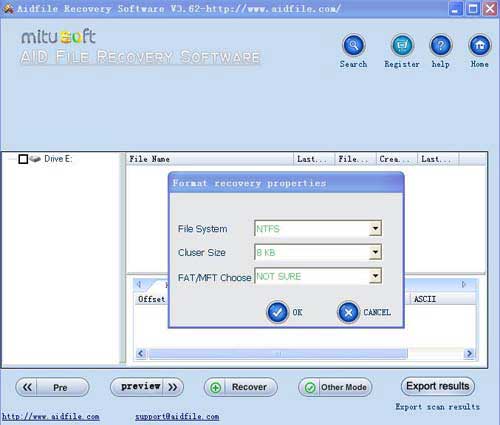
Use "Unformat" mode to restore lost files from formatted partition.
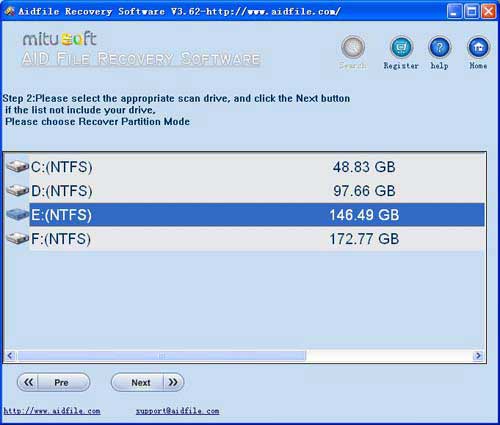
Use "Recover partition" mode to rescue files if drive partitions changed or damaged or deleted.
Use "Full Scan" mode to retrieve lost files if drive partitions show as "raw" or recover deleted files which can not be found with "undelete" and "unformat" and "recover partition",recover files from raw partition,recover files of partitons which are not NTFS,nor exfat,nor fat32.
Aidfile recovery software professional edition's "Full Scan" support deep and full scan lost data from partition
Learn more information about data recovery software for data loss.
As a user,whatever we tell you,whatever you want,just try it. If Aidfile can help you,we congratulate ,if not,just contact us.
Actually, every hard disk should be formatted before use, so formatting is the basic operation for a hard drive. But sometimes, we need to format a partition because of many different reasons. For example, computer users may need to format your hard disk when you want to convert the FAT File System to NTFS File System. Through formatting the drive, you can change the File System. And also we usually format our hard drives to adjust the size of a partition, to reinstall the operating system, or to just delete useless files. (Tips: You may just right click the drive and chose "Format", and then selected "Quick Format", but after clicking "OK", you may be aware that another drive was formatted.) But it is evitable to format a partition mistakenly or it format automatically because of the virus. Is there any way to recover formatted partition?
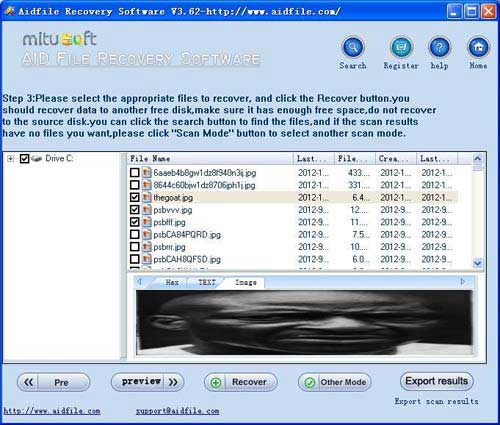
Aidfile Data Recovery is powerful Hard drive Data Recovery Software. You can use it to recover formatted partition safely and easily. It can also recover deleted, lost, damaged and formatted data from hard drive or partition. Even if you have written new data into that hard drive or partition, Aidfile Data Recovery can still find its directory tree from hard drives.
Formatting a hard drive partition does not erase everything on the drive. What it does is just to remove the files from the computer's File Allocation Tables (FAT), so it means that the files are still there and can be easily recovered before the computer uses that space. And if you want to recover these data or these partitions, you may pin your hopes on third party data recovery software or partition recovery software.
Aidfile have a free edition for you recovering 1G files with no pay.Just free download and try it.
Aidfile Recovery Software Keyfeature
support Windows XP, Windows 7, Windows 8,Windows 8.1, Windows Vista, Windows 2003, 2008, 2012.
MS Office document (Word, Excel, PowerPoint, Outlook) types (doc, docx, ppt, pptx, xls, xlsx, pst, etc.),photos (JPG, PNG, ICON, TIF, BMP, RAF, CR2, etc.), videos and audios (MPG, MP4, MP3, MTS, M2TS, 3GP, AVI, MOV, RM, RMVB, etc.), compressed files (rar, zip, etc.), PE files (exe, dll, lib, etc.) and so on.
Support hard drive :WD, Samsung, Sandisk, Toshiba, Seagate, HP, Lenovo,Maxtor,etc.
support digital cameras:Canon, Kodak, Nikon, Fuji, Konica, HP, Agfa, FujiFilm, Polaroid ,Casio ,Olympus ,Sony ,Samsung ,Panasonic, NEC, Imation, Sanyo ,Epson, IBM, Minolta, Goldstar, LG ,Sharp ,Lexar ,Mitsubishi ,Kyocera ,JVC ,Leica, Phillips ,Toshiba, SanDisk ,Chinon, Ricoh ,Hitachi, Pentax, Kinon ,Verbatim ,Vivitar ,Yashica, Argus